
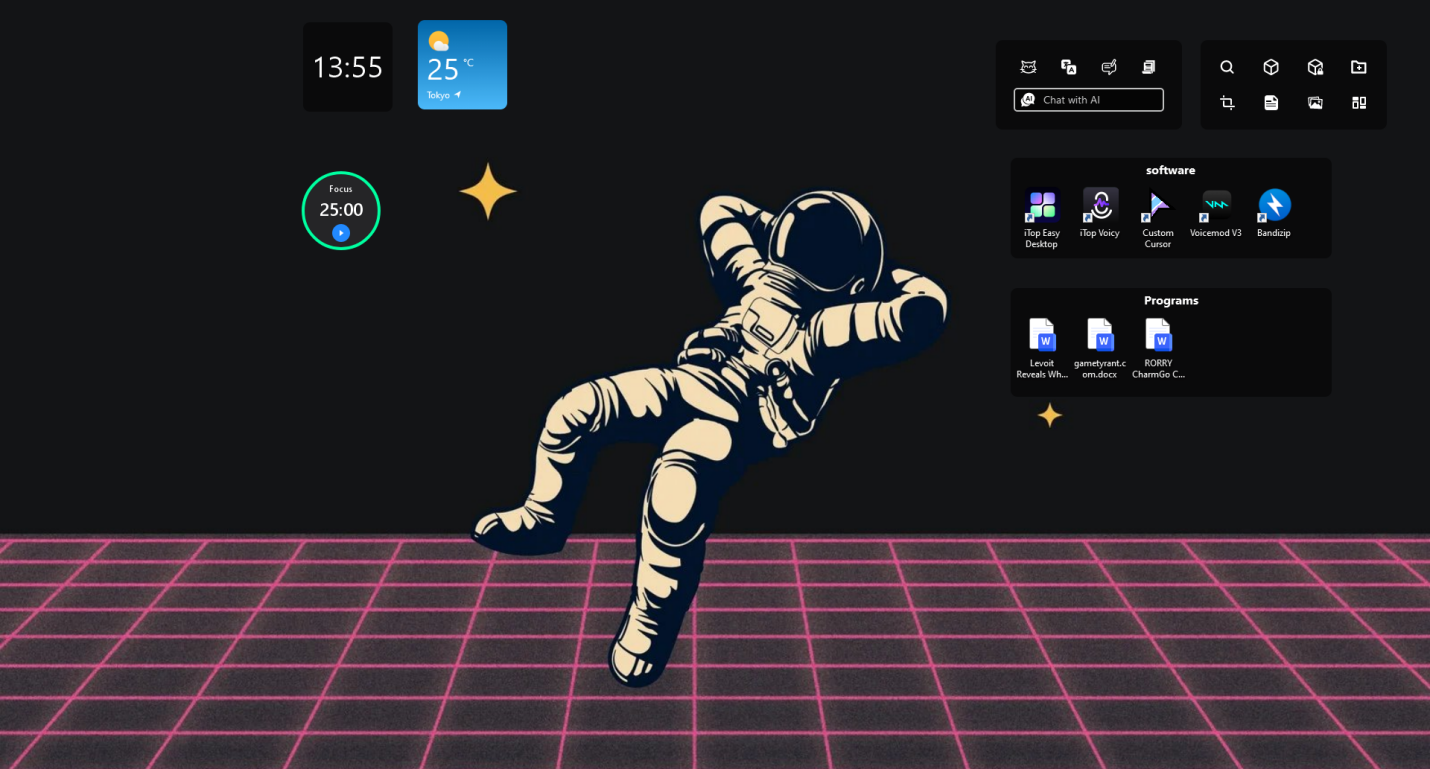
I’ve always had a habit to clutter my desktop with everything. All these screenshots, work files, downloads, random folders, unfinished projects are placed everywhere on the desktop. So, I had too many icons on my desktop that it was difficult to find things I need.
I have attempted to organize my desktop a number of times. I made folders, moved shortcuts around and even cleaned up the space every week. However, after a few hectic days the mess always returned.
I wanted something simple, that would help me to organize my desktop without taking a lot of time. So, I thought let’s try out iTop Easy Desktop. Well, I used it for some time while I work and it has helped me to keep my desktop organized always.
What Is iTop Easy Desktop?
iTop Easy Desktop is a desktop organizer software for Windows PCs. It allows users to organize icons, files, folders and shortcuts into neat groups directly on the desktop. The software organizes files into boxes rather than leaving them on the screen, allowing files to be sorted and categorized.
The concept is straightforward, improve the management of your desktop without the tedious and repetitive task of moving files around.
Some of the main features include:
- Desktop boxes for grouping icons
- Automatic icon organization
- Quick access panels
- One-click icon hiding
- Custom layout options
- Lightweight performance
I mainly tested it while working remotely and managing multiple writing projects at the same time.
Why I Needed a Desktop Organizer?
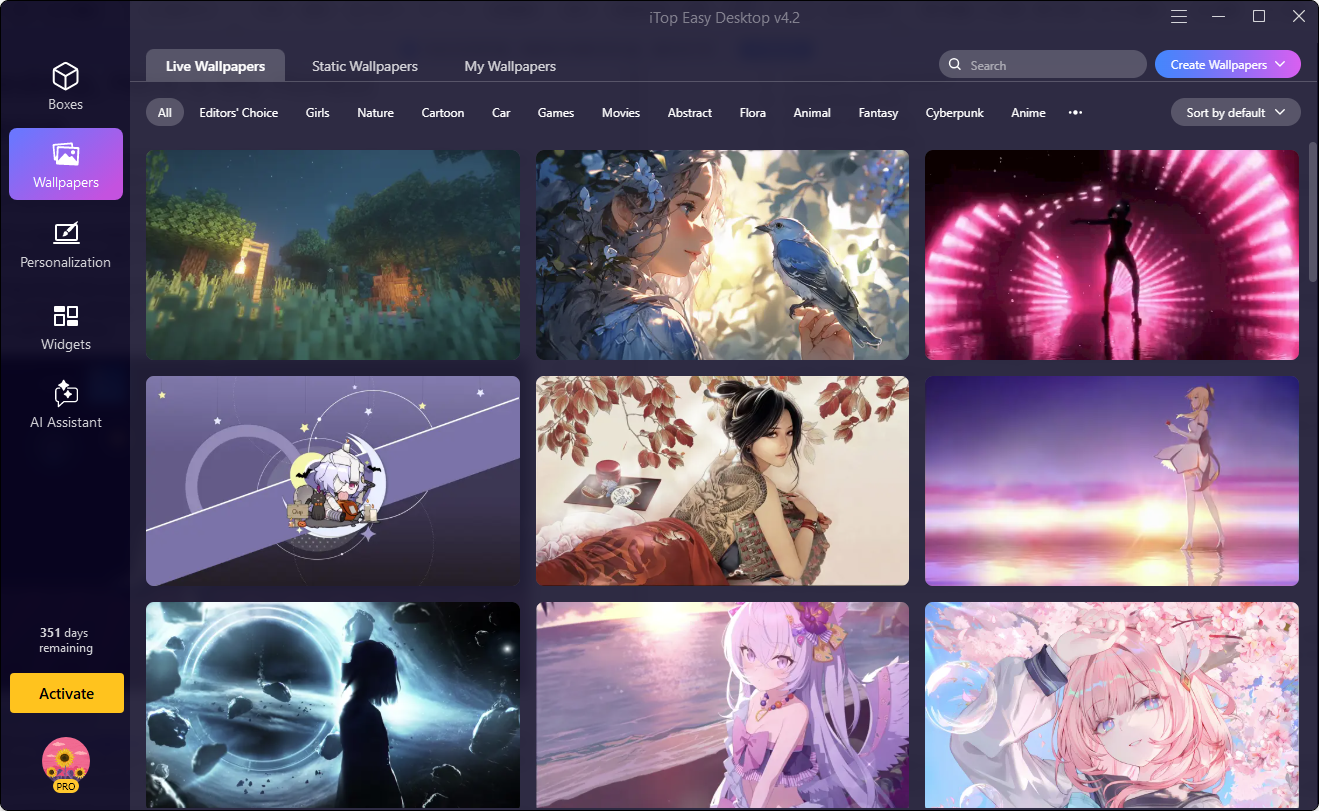
My desktop prior to using this software was really difficult to work with.
I find it useful to store drafts of projects, screenshots, browser downloads, and editing files for easy access on my desktop. The issue is that after a few days it just gets all mixed up. It would take me a while to locate files I had downloaded the previous week.
The second issue was screen sharing in meetings. Too many icons on the desktop is not an attractive sight to share with clients or colleagues.
I wanted something that helps me to keep my desktop cleaner, but keep the things easily accessible as well. That is where I decided to give iTop Easy Desktop a try and it became my go to solution for desktop organization over the time.
How I Set Up iTop Easy Desktop?
Here is the exact process I followed when organizing my desktop for the first time.
Install the Software
I downloaded the iTop Easy Desktop installer from its official website and installed it in just a few minutes. Once it was started, it automatically detected all desktop icons and files.
Create Desktop Boxes
Some sections were automatically suggested by the software, but I chose to write my own sections. I made work folders, content draft folders, screenshots, personal file folders, and regular folder for apps I use regularly.
This instantly cleaned my desktop.
Drag Files Into Categories
I then began to drag files that were related to each other into the appropriate boxes. It was smooth, as I didn’t have to open additional folders to move things around. Once it’s all sorted, I was able to see which files belong to where.
Customize the Layout
I customized both the size and position of the boxes to suit my working style. For example, I placed work related files on the left side and most used apps around the bottom corner for quicker access.
This was a minor fix that helped daily work to be more organized.
Features of iTop Easy Desktops I Used the Most
After using the software for several days, these were the features I noticed myself using regularly.
Desktop Boxes
This was easily the feature I used most.
Instead of stacking folders everywhere, I could keep files grouped neatly inside labeled sections. It made the desktop feel cleaner without hiding everything away completely.
I also liked that I could collapse or expand sections depending on what I needed at the moment.
Automatic Organization
I have downloaded some files while working, and tested the auto sorting feature. It grouped things quite nicely, which was a surprise. It only required a little tweaking on my part. It saved time than arranging it manually.
Hide Desktop Icons
I didn’t think that this feature would get much use, but it did come in handy when joining Zoom meetings and taking part in screen sharing.
I could easily turn off all the icons on my desktop with one click and have a clean screen.
Quick Access Panels
This is a handy feature for easily accessing important folders. I no longer had to open File Explorer over and over again to find files that I use regularly. This is because I can get to them right from the desktop.
This feature made it easier to open important folders quickly.
Instead of searching through File Explorer repeatedly, I could access commonly used files directly from organized sections on the desktop.
Virtual Desktop Pet (PawPal)
Another feature I ended up enjoying more than expected was the built-in desktop pet called PawPal.
iTop Easy Desktop includes adorable virtual cat pets that stay on the desktop while you work. The animations feel smooth and natural, and the pet quietly interacts on the screen without becoming distracting. I was also surprised that it used very little CPU while running in the background, so my PC still felt responsive even when multitasking.
Final Thoughts
I have been using the iTop Easy Desktop for my daily usage and can say that it definitely made my desktop less stressful to use. I used to spend a lot of time looking around in mess until it was all sorted out. It’s not going to clean up poor file-handling habits in a flash, but it will certainly make it easier and faster to organize the desktop.
